What is a 3D Sales App? The Complete Guide for Real Estate Developers (2026)

A property buyer in 2026 makes their first decision about your development in roughly three seconds. That decision hinges almost entirely on visuals. By the time they call your sales team — if they call at all — they have already explored your development digitally, compared it against five competitors, and formed a clear opinion of what they think you're offering.
For decades, real estate developers tried to win those three seconds with brochures, scale models, static CGI, and show apartments. In 2026, the technology that actually wins is a 3D sales app — an interactive digital platform that lets buyers explore every unit in your development, in real time, on any device, anywhere in the world.
If you've heard the term but aren't sure exactly what a 3D sales app is — or how it differs from traditional 3D rendering, virtual tours, or marketing CGI — this guide answers every question. We'll cover the definition, the anatomy of a working platform, real applications, ROI, costs, and how to evaluate the right solution for your development.
In This Guide:
- What Exactly Is a 3D Sales App?
- The Anatomy: Core Components of a 3D Sales App
- 3D Sales App vs Traditional 3D Rendering (Critical Difference)
- How a 3D Sales App Works: The Buyer Journey
- Where 3D Sales Apps Are Deployed
- The Business Impact: Real ROI Data
- What Separates Great 3D Sales Apps from Average Ones
- How Much Does a 3D Sales App Cost?
- How to Choose the Right 3D Sales App
- The Intwopixel 3D Sales App
- FAQ
1. What Exactly Is a 3D Sales App?
A 3D sales app is an interactive digital platform built specifically for selling real estate developments — particularly off-plan and pre-construction projects. Unlike static 3D renders or pre-recorded video walkthroughs, a 3D sales app is fully interactive: buyers navigate the development themselves, selecting their preferred unit, exploring layouts, comparing views, and configuring finishes in real time.
In technical terms, a 3D sales app is a browser-based or native application that combines:
- A photorealistic 3D model of your entire development (building, units, common areas, surrounding context)
- Real-time interactive navigation — users move through space dynamically
- A unit selector — every floor, every layout, every orientation accessible
- Live availability and pricing data — connected to your sales pipeline
- A CRM integration — buyer behavior captured automatically
- Multi-device deployment — mobile, tablet, desktop, large-format touchscreens
In plain language: a 3D sales app is the digital sales infrastructure that replaces the traditional show apartment, scale model, brochure, and sales board — combining them into a single, unified, scalable experience. Where a show apartment costs $500K+ and shows one unit type, a 3D sales app shows every unit in your entire development to every buyer globally, 24/7.
In the broader 3D real estate visualization category, a 3D sales app sits at the most sophisticated end. complete guide to 3D real estate visualization
2. The Anatomy: Core Components of a 3D Sales App

Understanding the components of a 3D sales app helps developers evaluate platforms and brief providers effectively. Here are the essential building blocks:
A. Interactive 3D Building Model
The foundation: a photorealistic 3D model of your entire development. This is not a generic template — it's built from your specific architectural drawings, with accurate proportions, real material specifications, and the actual surrounding environment (city skyline, waterfront, landscaping). Buyers should see the building as it will actually appear when completed.
B. Unit Selector & Floor Navigator
The most critical interactive element. Buyers must be able to select any floor, any unit, any orientation — and immediately see that specific apartment. A working unit selector shows: floor plan, square footage, bedroom configuration, pricing, availability status, and a one-click path into the 3D walkthrough of that specific unit. This is what turns browsing into shortlisting.
C. Real-Time Interior Walkthrough
Once a buyer selects a unit, they should be able to navigate the interior — walking from room to room, looking out specific windows, checking the actual view from the actual balcony. Real-time rendering means they explore at their own pace, from their own angles, not following a pre-set camera path. This is the experience that builds genuine spatial understanding and emotional connection.
D. View Simulator
For high-value properties, the view is often the deciding factor. A 3D sales app must accurately simulate the view from each specific unit — not a generic "city view" but the actual skyline, waterfront, or street perspective visible from that exact apartment. This level of accuracy is what justifies premium pricing for high-floor or premium-view units.
E. Finish Configurator
Many developments offer multiple finish packages — standard, premium, luxury — or customization options. A finish configurator lets buyers visualize their unit with different material choices in real time. This is particularly powerful for luxury developments where buyers value the ability to personalize before purchase.
F. CRM Integration
Without CRM integration, a 3D sales app is just a marketing asset. With it, the platform becomes a lead intelligence engine. Every interaction — which units a user explored, how long they spent, which finishes they reviewed, what view they preferred — flows into your CRM. When that buyer submits an inquiry, your sales team has full context. This dramatically improves conversion rates.
G. Multi-Device Compatibility
A 3D sales app must perform across the full range of devices buyers will use: smartphones (where most discovery happens), tablets (for relaxed evaluation), desktops (for serious comparison), and large-format touchscreens (for in-person sales center experiences). Performance must be smooth on every device — a sluggish experience destroys premium positioning.
H. Sales Tools Layer
The most sophisticated 3D sales apps include features that help your sales team close: lead capture forms integrated at strategic moments, callback request buttons, brochure downloads, calendar booking for site visits, multilingual support, and analytics dashboards showing which units and features generate the most interest.
3. 3D Sales App vs Traditional 3D Rendering — The Critical Difference
This is the most important distinction in the category — and the one most developers get wrong when commissioning their first project.
| Traditional 3D Rendering | 3D Sales App | |
|---|---|---|
| Format | Static images / pre-rendered video | Interactive real-time application |
| Buyer control | ❌ Passive viewing | ✅ Active navigation |
| Shows specific units | ❌ Generic representations | ✅ Every specific unit |
| Real-time view from specific floor | ❌ | ✅ |
| CRM lead data | ❌ | ✅ |
| Multi-device deployment | ✅ But same content | ✅ Optimized experience |
| Sales center deployment | ⚠️ Display only | ✅ Interactive presentation |
| Update as construction progresses | ❌ Re-render needed | ✅ Live updates |
| Best for | Brochures, social media | Pre-construction sales |
Traditional 3D rendering is still valuable — it produces stunning images for marketing materials, brochures, and social campaigns. But it doesn't sell a development. A 3D sales app is purpose-built for the sales process itself: it engages buyers actively, captures their interest specifically, and feeds qualified leads directly to your sales team.
The simplest test: if a buyer cannot select their specific unit and experience it differently than a buyer interested in a different unit, you have a 3D rendering — not a 3D sales app.
4. How a 3D Sales App Works: The Real Buyer Journey

To understand the value of a 3D sales app, it helps to walk through how it actually transforms a buyer's experience. Here's a typical journey:
Discovery — A potential buyer in London sees your development advertised online. They click through to your website or property portal listing and immediately enter your 3D sales app, embedded directly in the page. No download required.
Exploration — They see the building from the outside. They click on Floor 14 — the available units highlight. They see a 2-bedroom unit with a sea view and click into it. The app loads the actual unit's interior, with the real sea view visible from the balcony.
Engagement — They walk through the apartment — from entry, through the living area, into each bedroom, out to the balcony. They click on the kitchen and switch from standard finishes to the premium package — the marble countertops and dark wood cabinetry appear in real time.
Comparison — They go back to the building view, click on Floor 19 — the same 2-bedroom layout, but higher floor and a different view. They compare. They check Floor 22 — even better view, but priced AED 80,000 higher.
Commitment — After 18 minutes in the app, they've narrowed to two units. They click "Request More Information" — a form opens, they submit their details, and select Floor 19 as their preferred unit. Your CRM receives the lead with full context — the units they explored, the time they spent, the finishes they preferred.
Sales Follow-up — Your sales team receives a fully qualified lead. They know exactly which unit the buyer wants, what concerns to address, and what to highlight in their first conversation. The follow-up call isn't a cold pitch — it's a continuation of an experience the buyer has already started.
This is what differentiates a 3D sales app from any traditional sales tool: the buyer isn't being marketed to — they're being given the means to evaluate your development as if it already existed. That control, that confidence, is what drives commitment.
5. Where a 3D Sales App Is Deployed

The same 3D sales app deploys across multiple buyer touchpoints — creating consistency across the entire sales journey:
Your Website — Embedded directly into your development's website as the centerpiece of the property page. Visitors don't read about your development; they experience it.
Property Portals — Listings on Rightmove, Bayut, Property Finder, Zameen, Zoopla, and other portals can link to the full 3D experience. Listings with 3D walkthroughs consistently outperform those without — receiving up to 118% more online views.
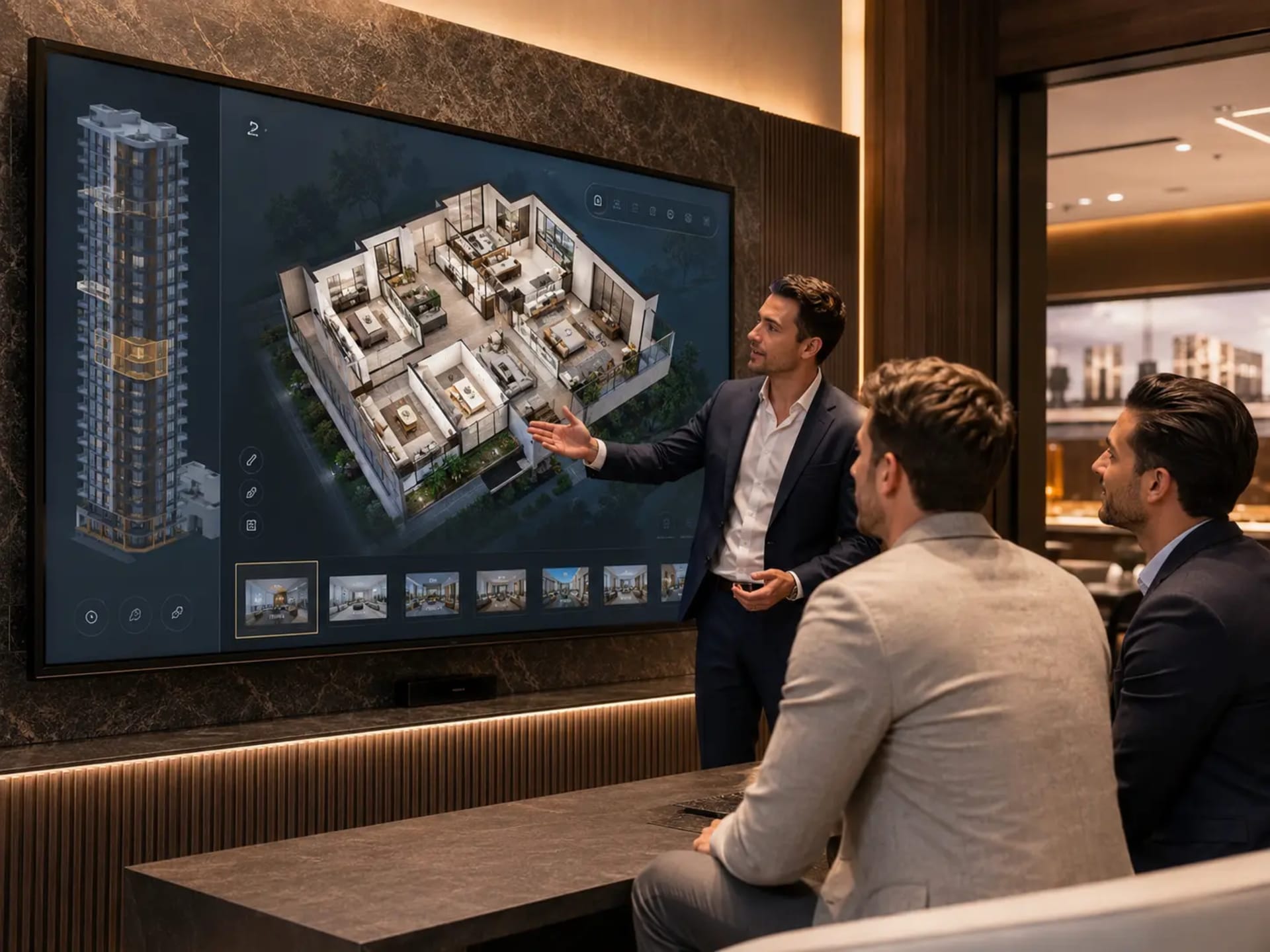
Sales Center Touchscreens — Deployed on large-format 65"–85" touchscreens in your sales gallery, the app transforms in-person sales meetings. Buyers and sales consultants explore the development together, moving from masterplan to individual unit, comparing options dynamically.
Sales Team Tablets — Sales agents carry the full development on a tablet, ready to present at any location — coffee shops, international roadshows, broker offices, investor meetings.
Marketing Campaigns — Google, Meta, and LinkedIn ads can link directly to the 3D sales app — meaning paid traffic lands not on a brochure-style landing page, but inside a working sales tool.
International Roadshows — Developers running roadshows in London, Singapore, Dubai, or Riyadh can present the full development on a hotel conference room screen — giving overseas investors the same depth of experience as a physical sales center visit.
6. The Business Impact: Real ROI Data
The business case for a 3D sales app is well-documented across global markets. Here is what developers are seeing in 2026:
+40%
Remote buyer conversion uplift
+118%
More online views
20–31%
Faster sales velocity
3–9%
Higher achieved pricing
77%
Buyers more confident
-40%
Fewer unnecessary site visits
8–12
Virtual tours before shortlist
+87%
Higher portal engagement
Translating this to real numbers: on a 200-unit development with units averaging $400,000, a 5% pricing uplift represents $4 million in additional revenue. A 25% sales velocity improvement on a development with $5M monthly finance costs saves $15M+ across the construction period. A 40% improvement in remote buyer conversion can be the difference between hitting your pre-sales target and missing it.
For context across different markets, see our region-specific guides: Dubai, UK, and Saudi Arabia.
7. What Separates Great 3D Sales Apps from Average Ones

As the category has matured, the gap between excellent 3D sales apps and mediocre ones has widened dramatically. Here is what separates them:
Visual Fidelity
Great 3D sales apps look like the property will actually look — photorealistic materials, accurate lighting, real architectural detail. Average ones look like video games — stylized, generic, or obviously computer-generated. For premium and luxury developments, only photorealistic quality is acceptable.
Performance
Great 3D sales apps load in 3–4 seconds and run at 60fps on mobile. Average ones take 15+ seconds to load, stutter on navigation, and drop quality on phones. Performance is not a technical detail — it's a luxury signal. A slow, sluggish app cheapens your entire development.
Specificity
Great 3D sales apps are built from your actual architectural drawings — every unit accurate to its real dimensions, every view rendered from its actual position. Average ones use generic templates with your branding pasted over the top. Buyers can tell the difference within seconds.
Sales Integration
Great 3D sales apps integrate deeply with your sales process — CRM connection, lead intelligence, real-time availability, multi-language, multi-currency. Average ones are marketing assets disconnected from sales operations.
Post-Launch Support
Great 3D sales apps are maintained, updated, and improved throughout the sales campaign — availability updated in real time, new unit configurations added, performance optimized. Average ones are delivered once and decay over the development's lifecycle.
8. How Much Does a 3D Sales App Cost?
3D sales app pricing varies significantly based on scope, quality, and integration depth. Here is the realistic 2026 landscape:
| Type | Range | What You Get |
|---|---|---|
| Entry-level | $8,000–$15,000 | Simple unit selector, limited finish options, basic CRM |
| Mid-range | $15,000–$35,000 | Full interactive walkthrough, multiple unit types, CRM integration |
| Premium | $35,000–$80,000+ | Photorealistic 4K, full configurator, multi-language, sales center deployment |
| Enterprise / Mega-project | $80,000–$250,000+ | Large-scale developments, masterplan integration, custom features |
The wrong way to evaluate cost: comparing absolute prices. The right way: cost per unit sold. For a 200-unit development, a $30,000 3D sales app represents $150 per unit. If it helps achieve a 5% pricing premium on $400,000 average units, that's $4M in revenue uplift on a $30K investment — a 133x return.
Compared to a single show apartment costing $500K–$2M+, a 3D sales app delivers dramatically better ROI for any development with multiple unit types.
For detailed market-specific pricing, read: 3D Rendering Cost Guide.
9. How to Choose the Right 3D Sales App Provider
If you're commissioning a 3D sales app, here are the questions that matter:
Can I see their portfolio? — Examine completed projects similar in scale and quality to yours. Generic demos don't count — you need to see real developments delivered for real clients.
Will it be built from my actual drawings? — Avoid providers using templates. Your platform must be built from your specific architectural files for accuracy.
How does the unit selector handle my development? — If you have 200 units across 25 floors, can the system represent each one specifically, with accurate views? Test before committing.
What CRMs do they integrate with? — Confirm compatibility with your existing sales pipeline (Salesforce, HubSpot, Zoho, custom systems).
What's the delivery timeline? — Standard delivery for a mid-to-large development is 8–12 weeks. Anything significantly shorter often indicates corners being cut.
What happens after launch? — Will the provider update availability, fix issues, and improve performance throughout your sales campaign?
Mobile performance — Test on your phone, not theirs. If it doesn't run smoothly on your mobile device, it won't run smoothly for your buyers either.
For common mistakes developers make when selecting a provider, read: 10 Mistakes Hiring 3D Visualization Studios →
10. The Intwopixel 3D Sales App
Intwopixel's 3D Sales App is built specifically for off-plan real estate developers globally. Our work includes platforms for developments like Burj Binghatti Jacob & Co Residences in Dubai's Business Bay — one of the world's most high-profile luxury real estate launches.
Our platform delivers:
- Photorealistic 4K visualization — accurate materials, lighting, and real views from every unit
- Real-time interactive exploration — every unit, every floor, every orientation
- CRM integration — buyer behavior flows directly to your sales pipeline
- Mobile-first performance — premium experience on any device
- Sales center deployment — touchscreen-ready for premium environments
- Multi-language support — English, Arabic, and more
- 8-week delivery — from brief to live platform
Our Web Sales Solution extends the platform with full digital sales infrastructure — lead capture, analytics, availability management, and marketing integration.
500+
Platforms delivered
38,690
Apartments sold
8 Weeks
Average delivery
See What a 3D Sales App Could Do for Your Development
Schedule a free 30-minute consultation — we'll show you examples relevant to your project and market.
500+
Platforms delivered
38,690
Apartments sold
8 weeks
Avg. delivery
11. Frequently Asked Questions
What's the difference between a 3D sales app and a virtual tour?
A virtual tour is typically a 360° panoramic experience of a completed or staged space — buyers move between fixed viewpoints. A 3D sales app is fully interactive and built for off-plan developments — buyers freely navigate through every unit in real time, select specific units, configure finishes, and engage with the development as a complete sales experience. Read more: Virtual Tours vs Physical Site Visits →
Do buyers actually use a 3D sales app, or is it just a marketing gimmick?
The data is unambiguous. Properties with interactive 3D sales apps receive 118% more online views, achieve 20–31% faster sales, and convert 40% more remote buyers. Average buyers spend 8–12 minutes inside a 3D sales app before shortlisting — meaningful engagement, not browsing. The technology has crossed from "nice to have" to "table stakes" in competitive markets.
Can a 3D sales app replace a show apartment?
For most developments, yes — particularly those with multiple unit types or selling primarily to remote buyers. A show apartment costs $500K–$2M+ and shows one unit type. A 3D sales app shows every unit at a fraction of the cost. For ultra-luxury developments where buyers expect a physical experience, the two can complement each other — but the 3D sales app is now the primary sales tool for most projects globally.
How long does it take to build a 3D sales app?
For Intwopixel, our average delivery is 8 weeks from brief to live platform. This includes 3D modeling, photorealistic rendering, interactive development, CRM integration, multi-device optimization, and quality assurance. For very large or complex projects, timelines may extend to 12–16 weeks. Fast-track delivery is available for urgent launch timelines.
Does the buyer need to download an app?
No. Modern 3D sales apps run entirely in the browser — no download, no installation, no friction. Buyers click a link from your website, ad, or property portal listing and they're inside the experience. This is critical for conversion: anything that adds friction (app stores, sign-ins, downloads) significantly reduces engagement rates.
Can a 3D sales app be updated as construction progresses?
Yes — and this is one of the key advantages over traditional rendering. Availability is updated in real time as units sell. Pricing can be adjusted. New configurations can be added. Construction progress photos can be integrated to show buyers their development's actual progress. The platform remains relevant and accurate throughout the entire sales campaign.
What technologies are 3D sales apps built with?
Modern 3D sales apps are typically built using real-time 3D engines — technology originally developed for video games but now widely deployed in real estate and architecture. The output is optimized for web browsers and runs across desktop, mobile, tablet, and large-format touchscreen displays. Buyers don't need any technical knowledge — they simply navigate intuitively, like using any modern web application.
Where can I see examples of Intwopixel's 3D sales apps?
Visit our case studies page to see real platforms we've delivered — including Burj Binghatti Jacob & Co Residences in Dubai, HMR Waterfront, Metropolis Signature, and other developments across the GCC, UK, Malaysia, and Pakistan. Or schedule a free consultation for a personalized walkthrough relevant to your project.
Get a 3D Sales App for Your Next Development
500+ platforms delivered globally. 8-week delivery. CRM-integrated. Free consultation — no commitment required.
500+
Platforms delivered
38,690
Apartments sold
8 weeks
Avg. delivery
See Intwopixel's 3D Sales Platform in Action
Book a free demo and see how leading real estate developers use Intwopixel to pre-sell off-plan units before construction begins.
Related Guides:
Latest Blogs
View All Blogs →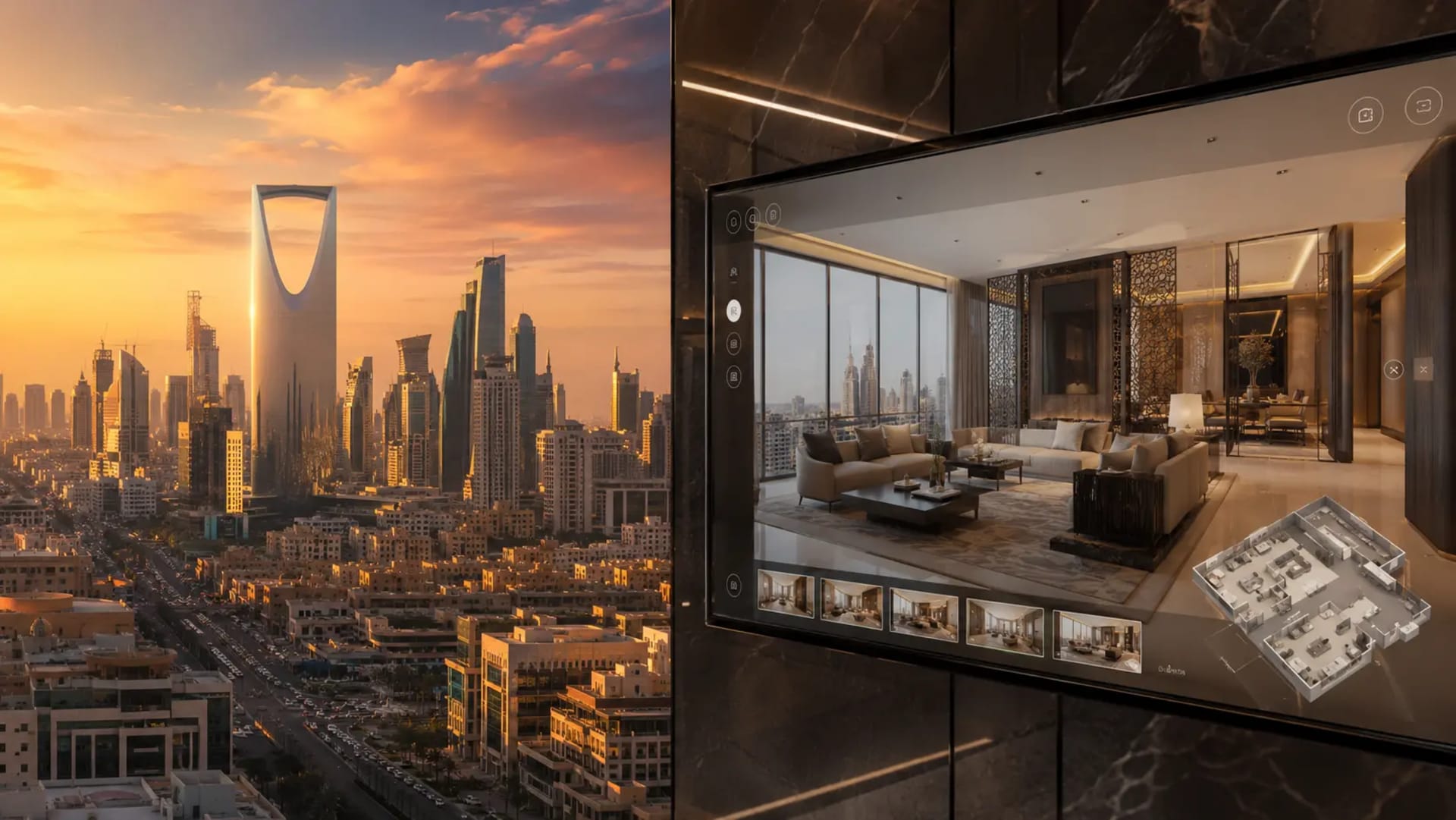
3D Property Visualization Saudi Arabia: Vision 2030 Guide
Saudi Arabia's real estate market hits $77B in 2025. Discover how 3D property visualization helps Vision 2030 developers sell NEOM, Riyadh & Jeddah projects faster.![3D Property Walkthrough Platform Cost: $10k–$50k Breakdown [2026]](https://res.cloudinary.com/doyx8ejwf/image/upload/f_auto,q_auto,w_1920/v1781091724/Image_1_Banner_jyeki0.webp)
3D Property Walkthrough Platform Cost: $10k–$50k Breakdown [2026]
How much does a 3D property walkthrough platform cost? We break down pricing by project size, features, and region — from $10,000 basic builds to $50,000+ enterprise solutions.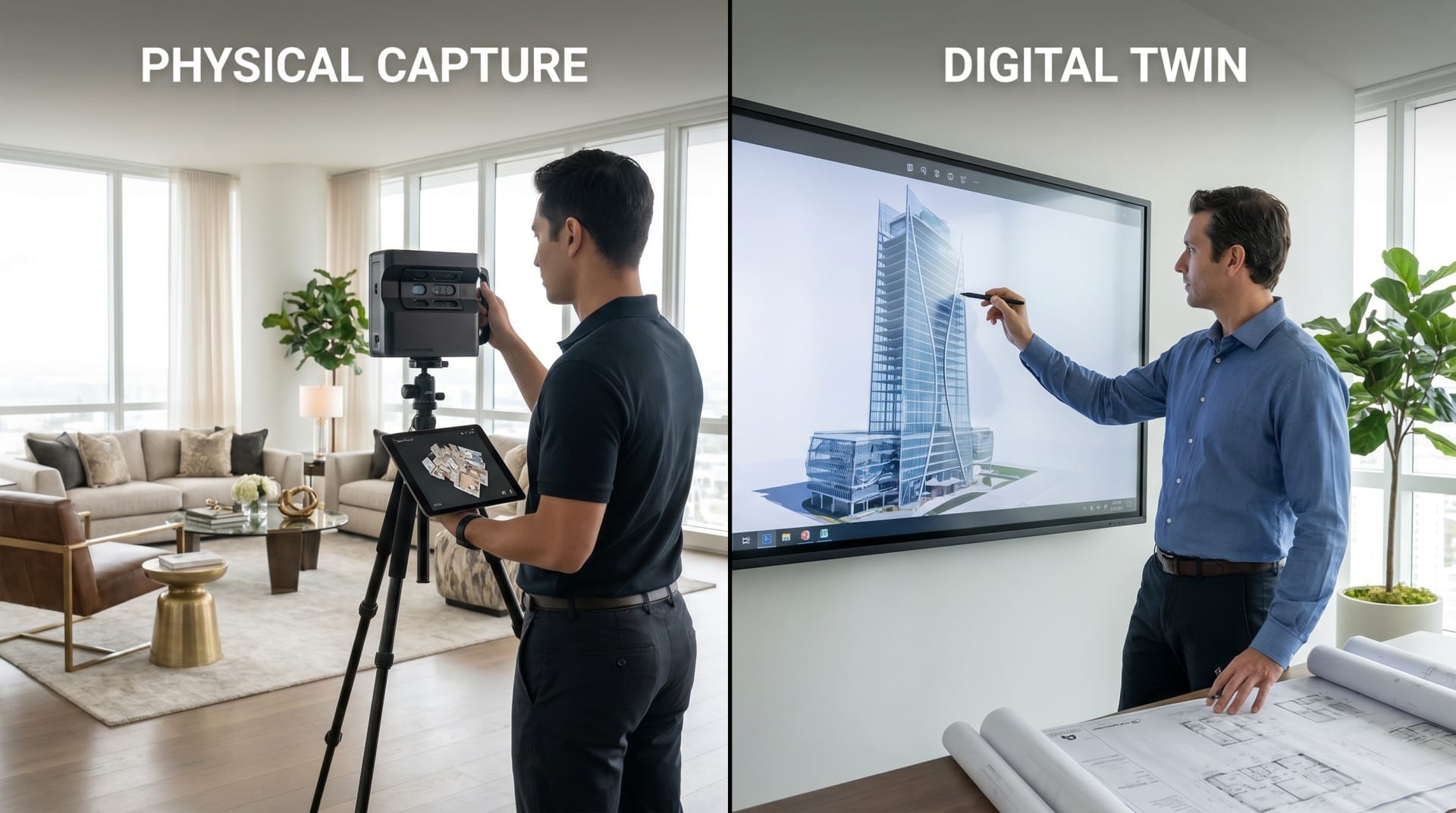
3D Property Walkthrough vs Matterport: Developer's Guide (2026)
Matterport vs interactive 3D property walkthrough platforms — honest 2026 comparison for real estate developers. Pricing, use cases, limitations, and which one actually sells off-plan properties.Developer & Investor Insights
Practical guidance for real estate developers worldwide on using interactive 3D visualization to sell off-plan properties faster and more effectively.
3D & Visualization Strategies
How architectural renders, interactive 3D walkthroughs, and virtual property tours influence buyer decisions in the global off-plan market.
Real Estate Sales Intelligence
Data-driven insights on buyer behavior, off-plan pricing psychology, and digital sales strategies for real estate developers worldwide.
Let's connect
Struggling to explain your project to buyers? Our interactive 3D walkthroughs make it easy to visualize every unit, view, and layout — before construction even begins. Share your details and we’ll guide you.
